01 / Configure
Package the right starting point.
Install only the products, orders, payments and reporting capabilities the programme needs. The licensed package set defines what exists.

Commerce
Intelligence
Infrastructure
 Why institutions choose Box
Keep the brand, records, rails, and merchant relationship.
Why institutions choose Box
Keep the brand, records, rails, and merchant relationship.
Start here
By merchant activity
By deployment
 See it running
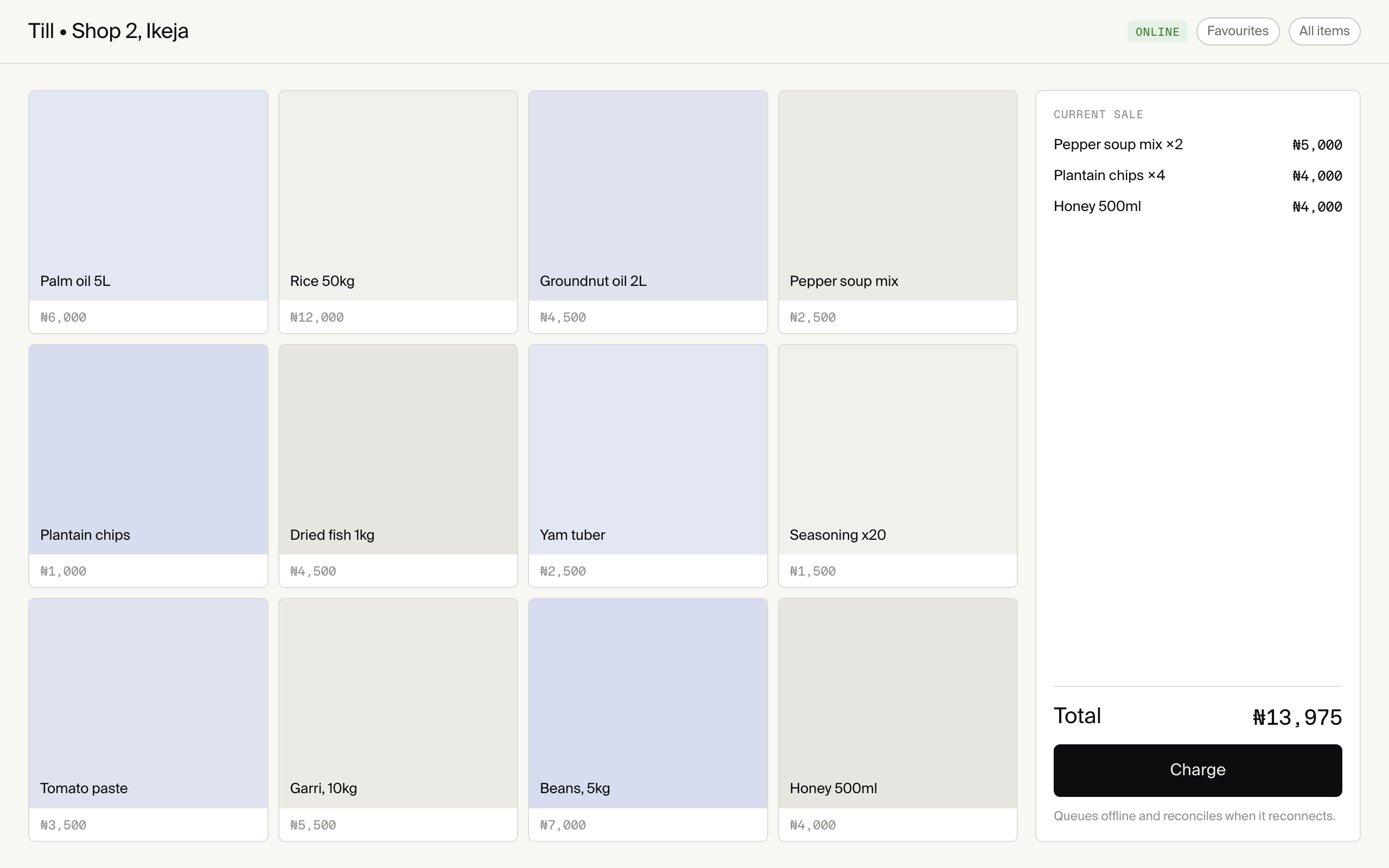
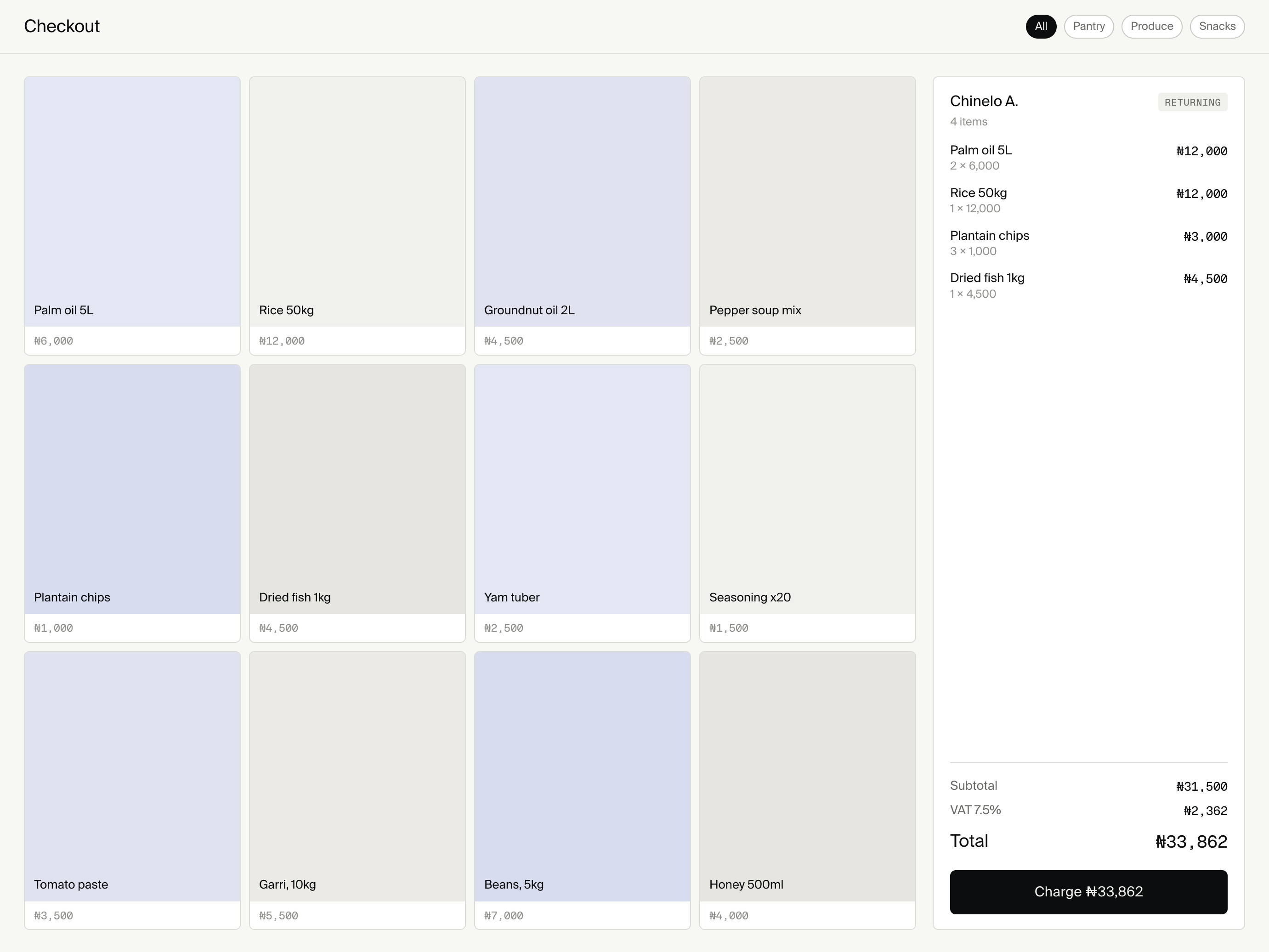
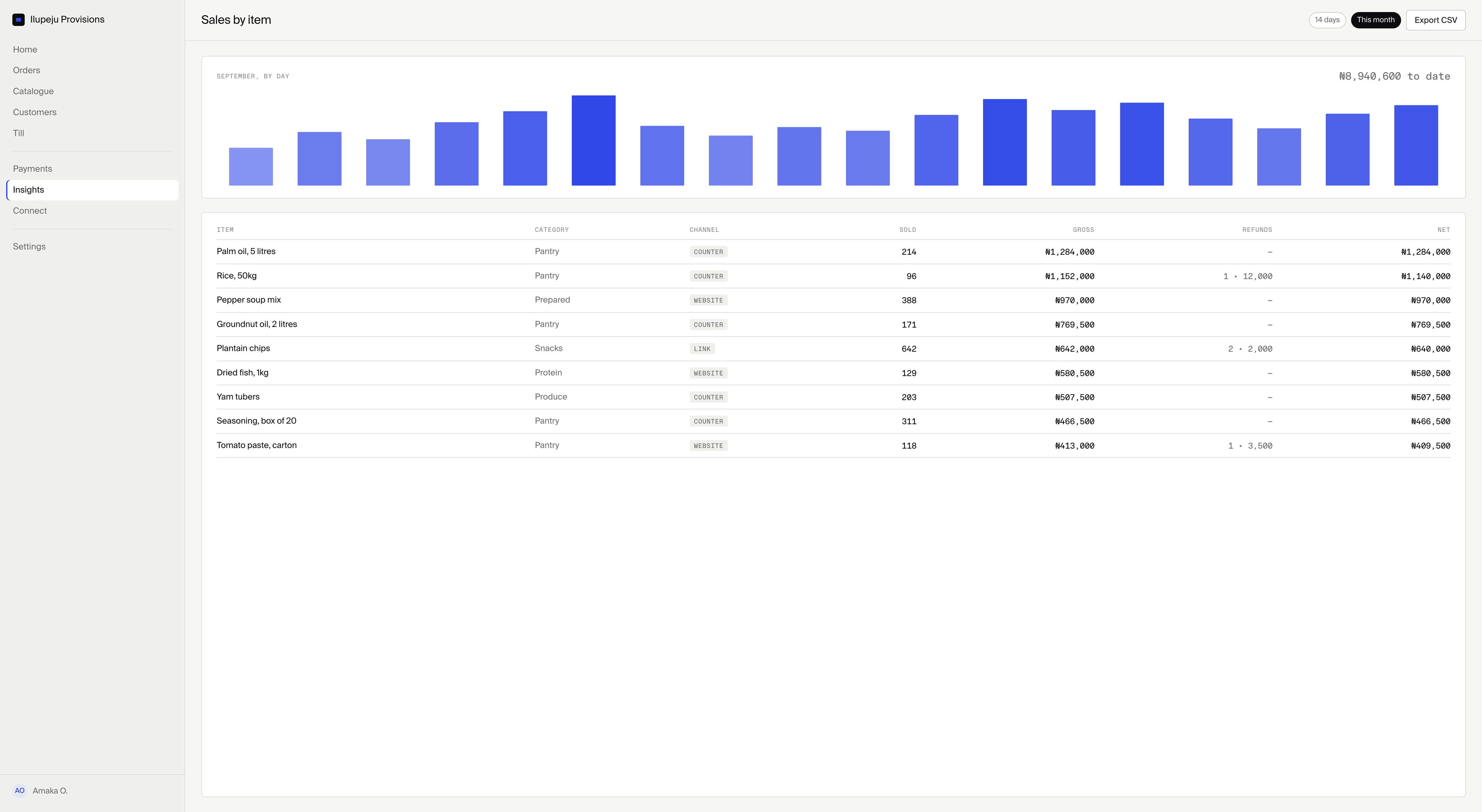
OlivePay licensed Box. The tills are already in the field.
See it running
OlivePay licensed Box. The tills are already in the field.
Mobile money and telcos
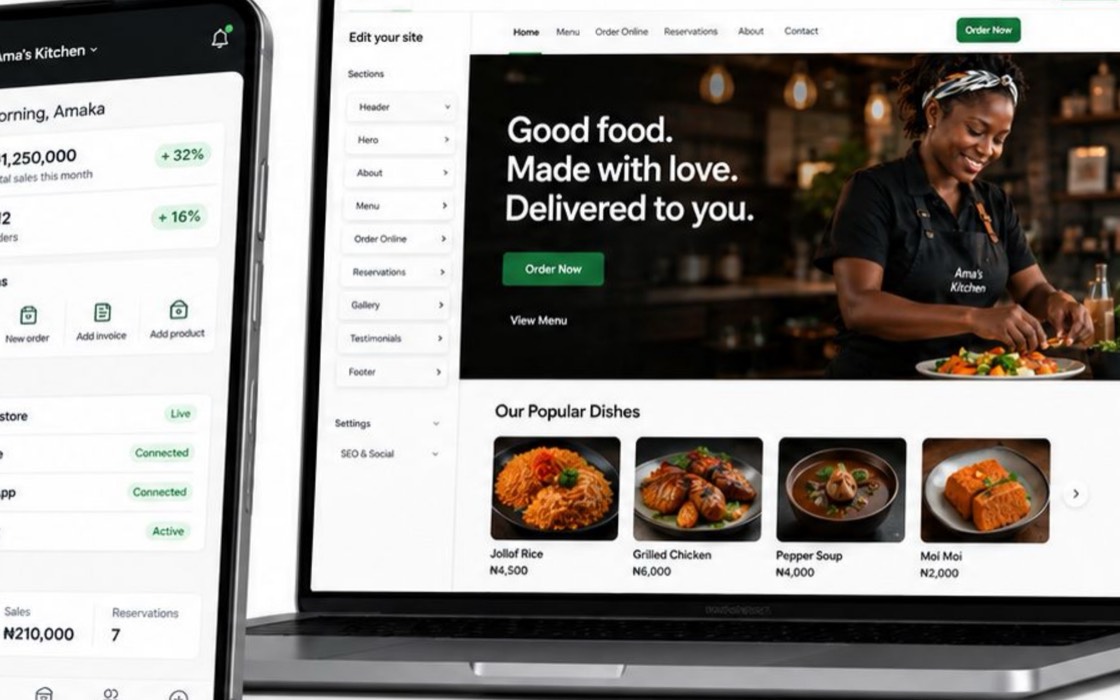
A wallet moves money. Add the catalogue, counter, customers and order history that give merchants a reason to open it every day.

The reference journey moves from setup to enrolment, engagement and reward. Here, that same sequence becomes merchant activation across your wallet and agent network.
01 / Configure
Install only the products, orders, payments and reporting capabilities the programme needs. The licensed package set defines what exists.
02 / Enrol
An existing local network can introduce the service, help configure the first catalogue and keep support close to the merchant.

03 / Engage
Stock, orders, customers and daily takings create recurring work inside the same branded experience.

04 / Settle
Your institution remains responsible for payment processing and settlement. Box preserves the order-side record around those existing rails.
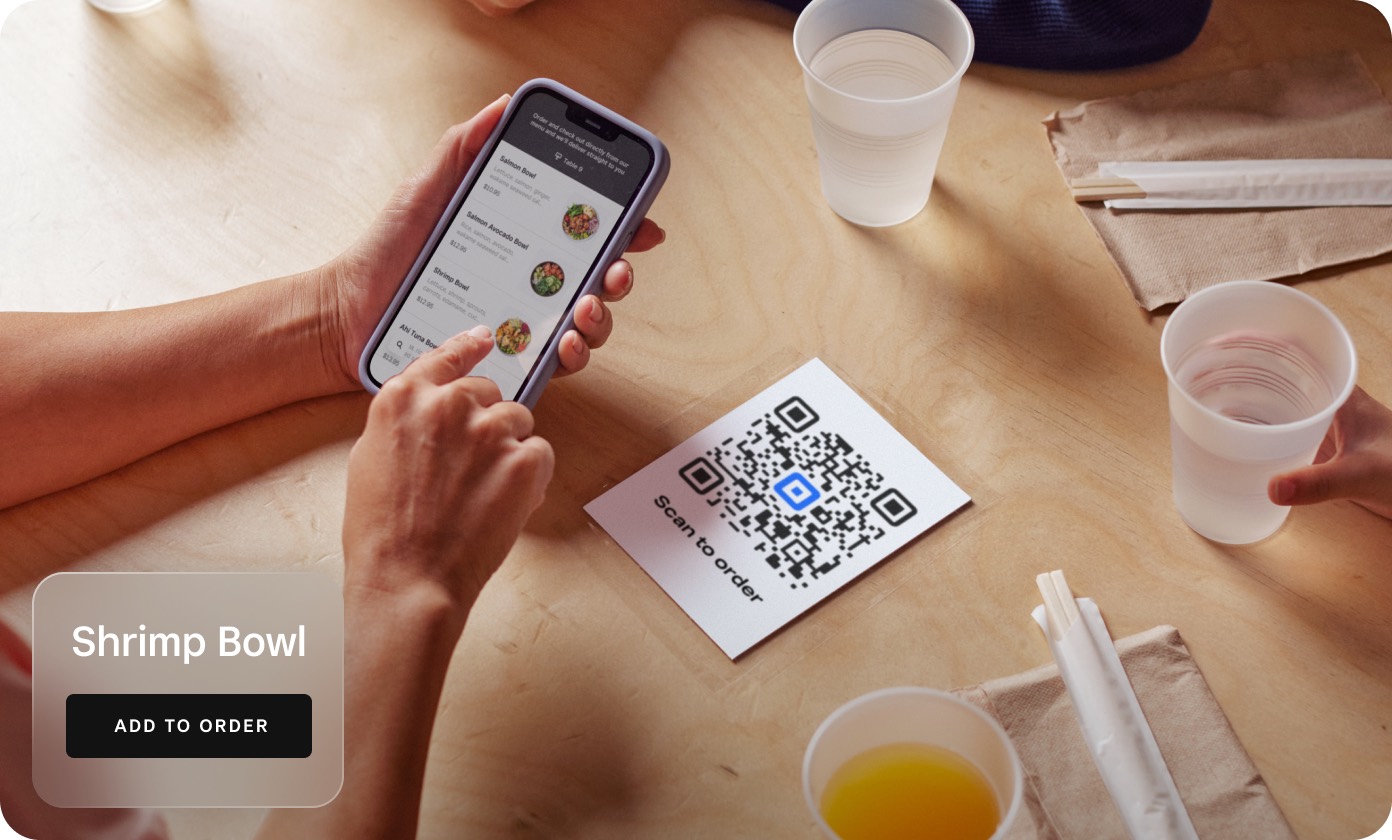
Use practical operating surfaces, not artificial lock-in, to make the relationship more useful over time.
Counter, web, links and social selling read the same products, prices and stock.
Give the people already near merchants a product they can activate and support.
The deployment runs in your environment, so its commerce records remain inside the estate you control.
Orders and catalogue activity show how merchants operate without exporting their records to Box.
A consistent order history is more useful than occasional registration or survey data.
Choose where the deployment and its database run; Box does not become the merchant data host.
Start with the categories your network already serves.

Quick catalogues, cash records and links for repeat customers.

Stock, counter sales and a simple online storefront.

Menus and orders connected across counter and online demand.

Quotes, invoices and payment links without a full shopfront.
Connect the estate
Payments, messages and supporting services connect through implementations supplied and operated by your team.
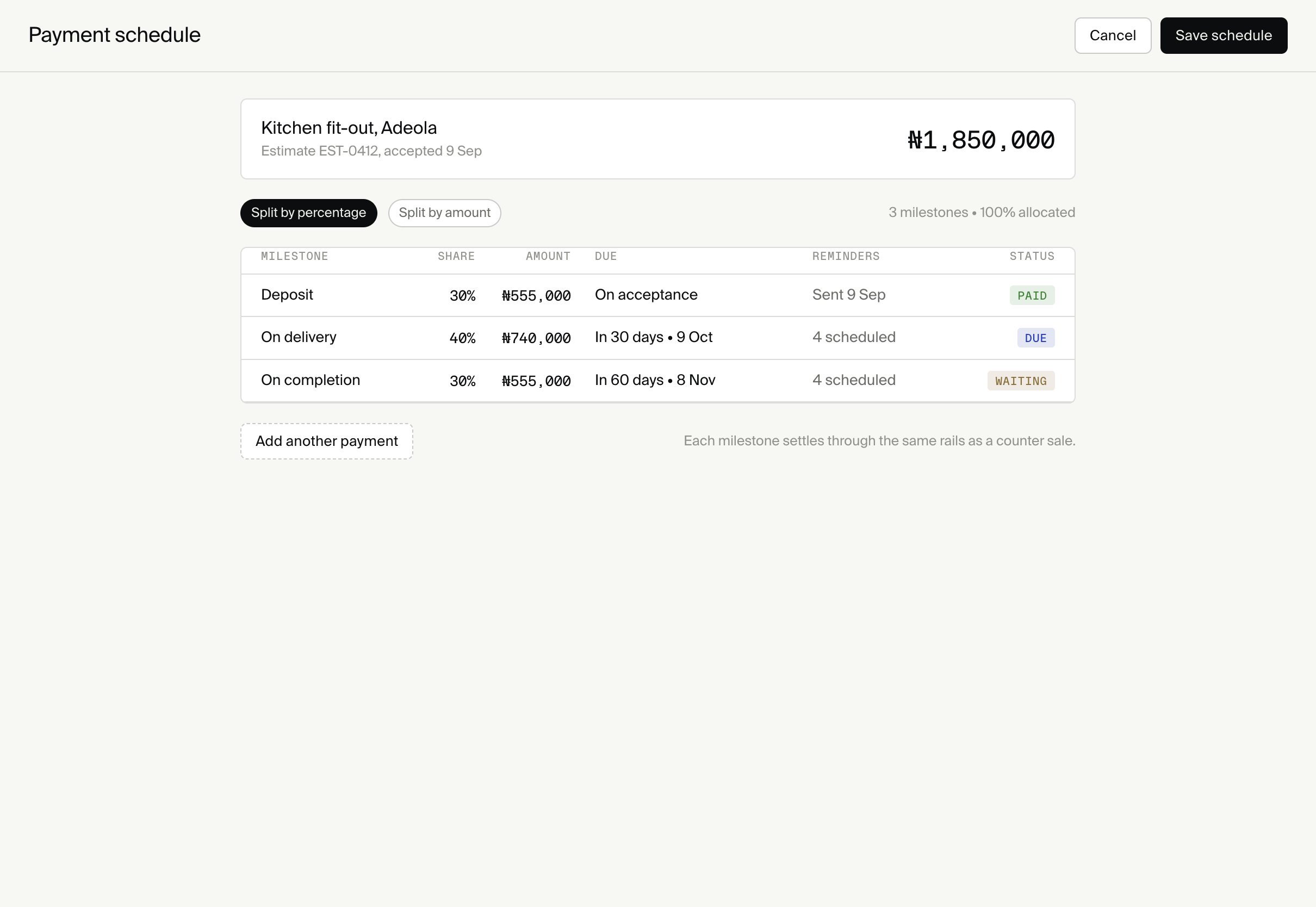
One operating plan
Nested tiers add packages to the same deployment. A merchant can begin with links and a catalogue, then gain a website or counter surface without moving their history.

Use institution-approved messaging implementations to support onboarding and ongoing merchant education.
Lead merchants to the catalogue, link or counter workflow included in their tier.
Introduce new surfaces when the merchant has a reason to use them, not as an undifferentiated feature list.
No. Box supplies the commerce layer around the wallet and connects to institution-operated payment implementations.
The institution can design an onboarding workflow around its own staff, agents, identity checks and operating policies.
Inside the database and infrastructure operated for the institution’s deployment.
Availability depends on the licensed surface and implementation. Offline-capable counter workflows must reconcile explicitly when connectivity returns.
No. Funds and regulated services remain with the institution and its selected providers.
Run the commerce layer in your environment and put your own brand on every surface.
Continue with the operating surfaces and deployment model.