Find the part, sell it and keep the count right
Part numbers, fitment notes and stock by shelf for auto parts shops.

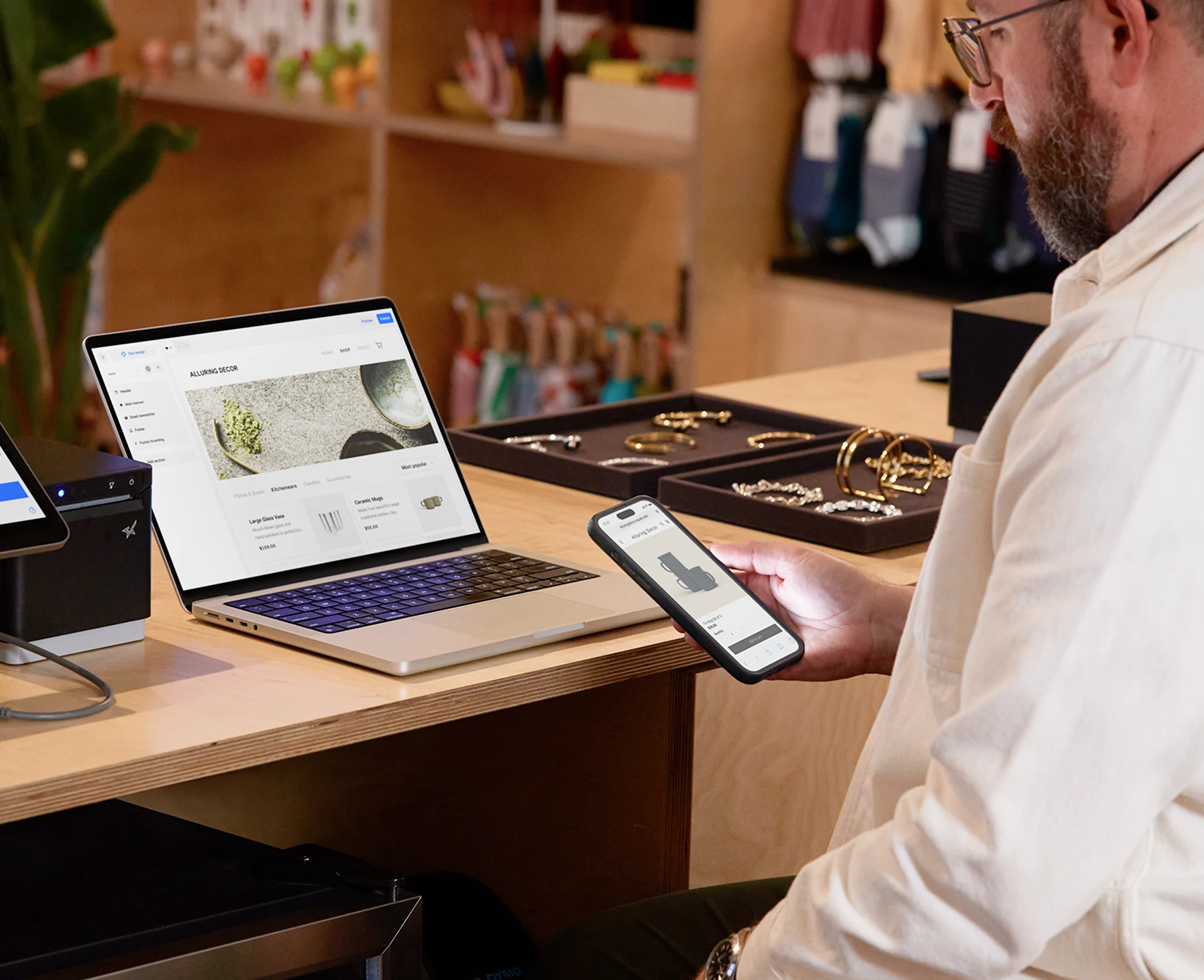

Everything the counter needs

Sell without slowing down
- Part numbers Search by part number and see what fits before you sell.
- Stock by shelf Know which shelf and which branch holds the part.
- Orders for parts you do not hold Take a deposit and order the part in.
- One stock count Every sale in store or online takes the same unit off the same shelf.
- Barcode and custom items Scan what has a barcode and ring up what does not, with a price you set on the spot.

Handle the day, start to finish
- Keep selling when the connection drops The internet goes down at lunchtime.

Grow when you are ready
- Credit from your bank A facility sized on how you trade, repaid by a share of each sale.
- Gift cards and loyalty Reward regulars and sell gift cards at the till and online.
- An online store A site from the same product list and one stock count.
- Your books and tools Connect the software you already use.
- One wallet Card, transfer and cash land in one place.
OPay · Paystack · Kippa · PalmPay · Instagram · Google Sheets
Konga Seller HQ · Sendbox · Kwik Delivery · GIG Logistics · Duplo · QuickBooks
FAQ
Can I search by part number?
Yes. Part numbers are searchable at the till.
Can I take an order for a part I do not stock?
Yes. Take a deposit and mark the order as waiting for stock.
Can I sell the same products in store and online?
Yes. Both channels read from one product list and one stock count.
Does it work with a barcode scanner?
Yes. Scan to add an item to the basket, and ring up anything without a barcode as a custom item.
What if the internet drops?
The till keeps selling and syncs the sales when the connection returns.
How do returns work?
Take the item back at the till, pick the reason, and the unit goes back into stock.