Quote, invoice and get paid for every event
Quotes, deposits and invoices for caterers.
Everything the counter needs

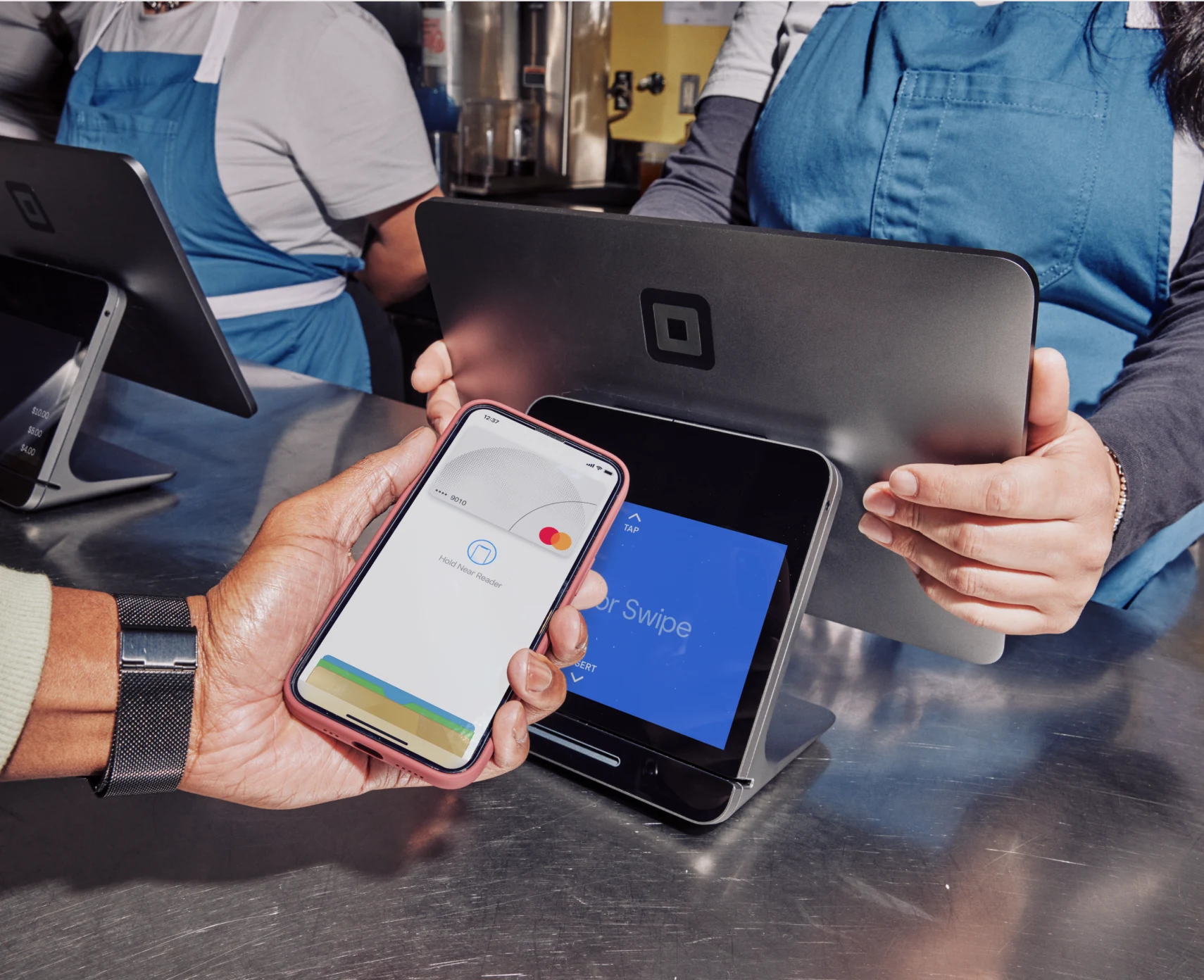
Sell without slowing down
- Quotes to invoices Send a quote and turn it into an invoice when accepted.
- Deposits Take a deposit to secure the date.
- Event menus Build menus per event and price them per head.
- Tabs and tables Open a tab, add to it through the night, and split the bill at the end.
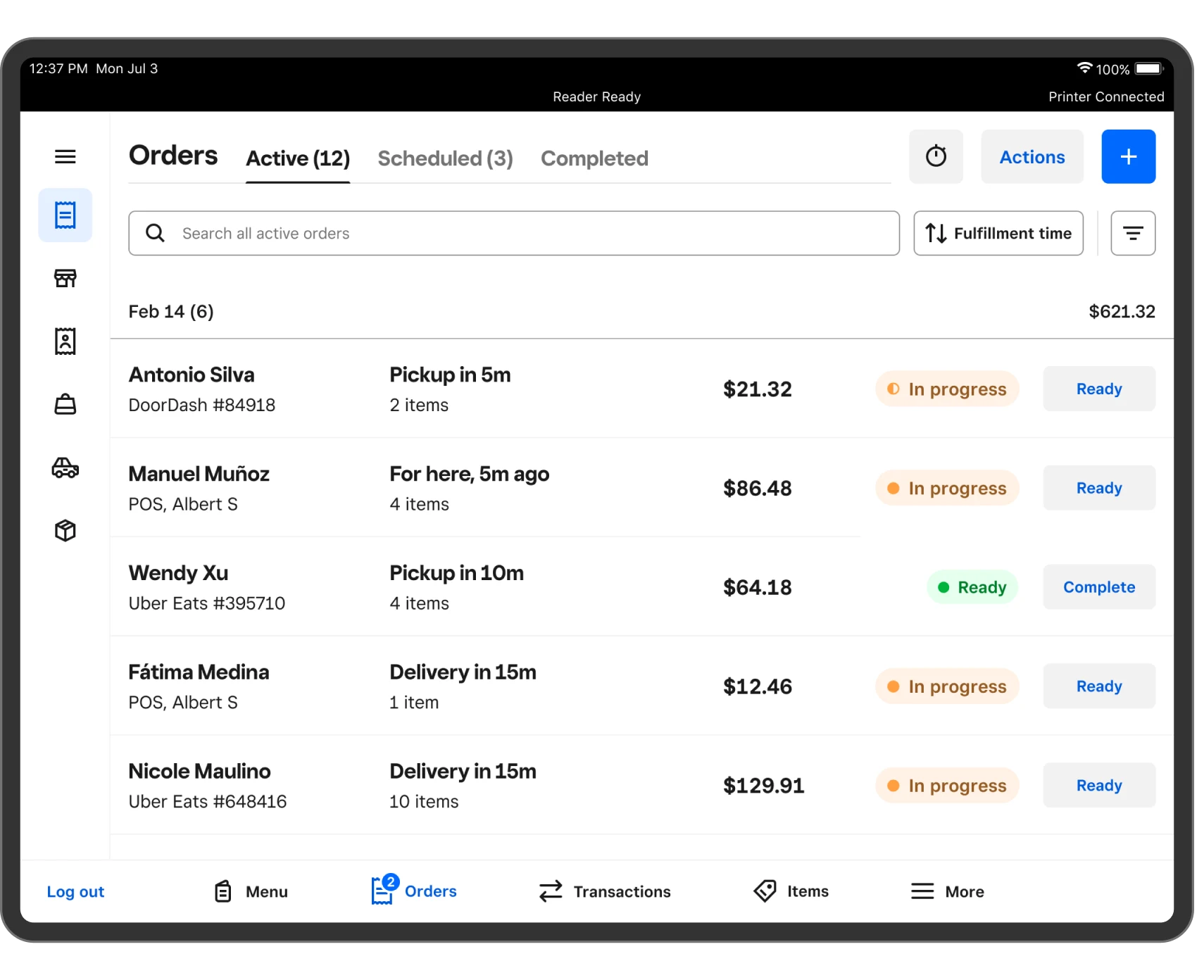
- Takeaway and online orders Orders from your website arrive at the till beside the counter sales.
Handle the day, start to finish
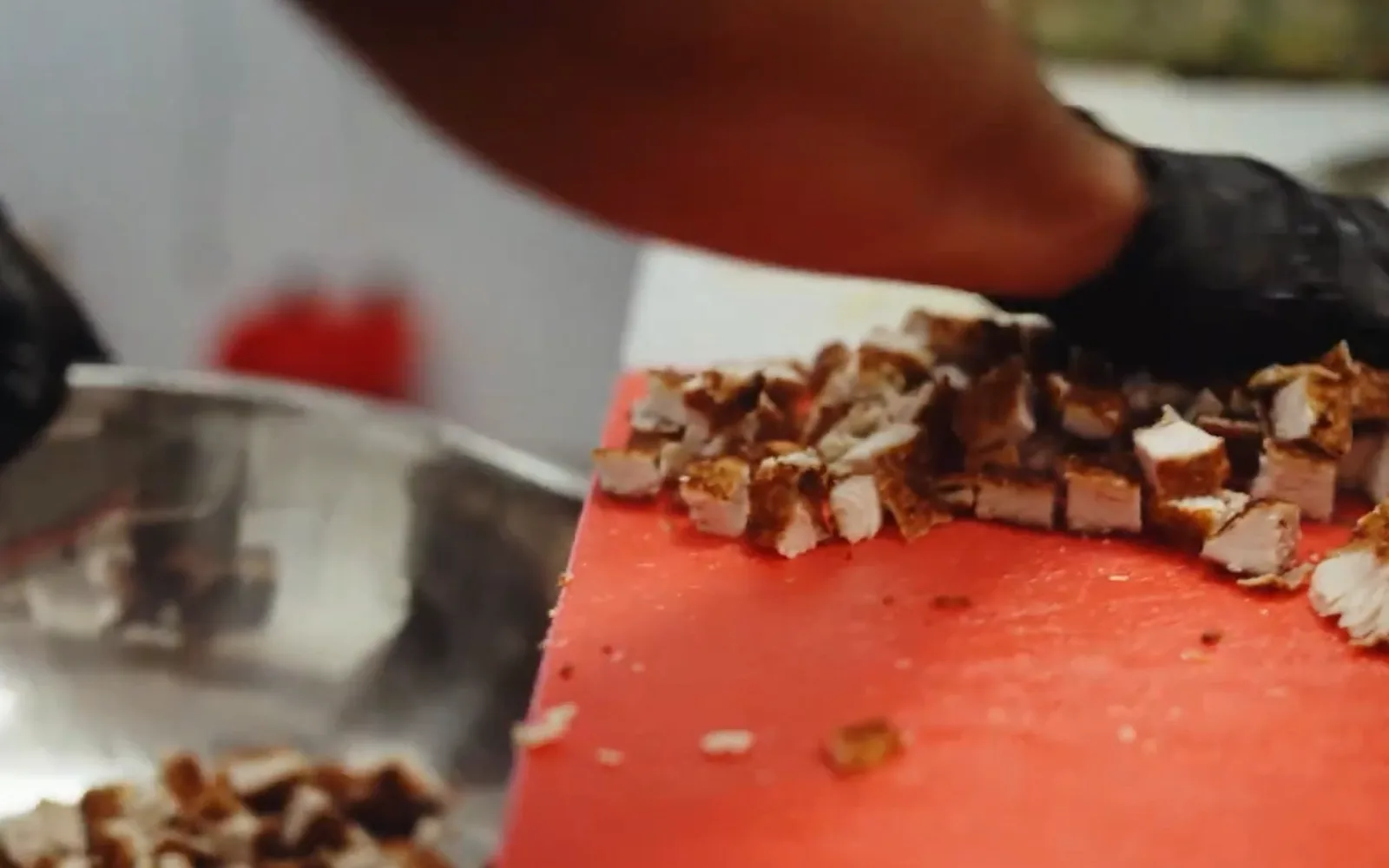
- Turn an enquiry into a booked event A client asks for fifty canapes.
- Invoice after the event Add staffing and delivery, send the invoice and track the balance.
- Keep each event menu Build a menu per event and reuse it for the next client.
- Close the night in minutes Count the till and review the night, without adding up receipts.
Grow when you are ready
- Credit from your bank A facility sized on how you trade, repaid by a share of each sale.
- Gift cards and loyalty Reward regulars and sell gift cards at the till and online.
- An online store A site from the same product list and one stock count.
- Your books and tools Connect the software you already use.
- One wallet Card, transfer and cash land in one place.
Moniepoint · PalmPay · Kippa · Paystack · Gmail · Google Sheets
Duplo · Flutterwave · Kuda · Sendbox · Chowdeck · Xero
FAQ
Can I take a deposit?
Yes. Request a deposit before the event.
Can I price per head?
Yes. Set a price per head and the number of guests.
Can I run tabs at the bar?
Yes. Open a tab, add items, and close it with card, transfer or cash.
Can customers order online?
Yes. Publish a menu from the online store and orders arrive at the till.
How are tips handled?
Tip options show at payment, and tips are reported by person.
Does it work during a power or internet cut?
The till keeps selling and syncs when service returns.